
Table of Contents
Addressed Vulnerabilities
The HyperOS June 2025 update addresses three critical security categories across Xiaomi devices:
| Vulnerability Type | CVE References |
|---|---|
| Information Disclosure | CVE-2025-26448, CVE-2025-26437 |
| Denial of Service | CVE-2025-26449, CVE-2025-26432, CVE-2025-26463 |
| Privilege Escalation | CVE-2025-26450, CVE-2025-26455, CVE-2025-26452 |
Framework Improvements
The HyperOS June 2025 update significantly enhances Xiaomi’s core framework security with:
- 6 fixes for privilege escalation vulnerabilities
- 3 patches for denial of service risks
- 2 solutions for information disclosure issues
These improvements prevent unauthorized access to sensitive system functions and user data.
System & Runtime Fixes
Xiaomi has implemented comprehensive security enhancements across:
- Android Runtime: Fixed memory corruption vulnerabilities
- System Components: Patched privilege escalation loopholes
- Kernel Level: Addressed root access vulnerabilities
The update also improves system stability and performance across all supported devices.
Hardware Security
The HyperOS June 2025 update includes hardware-level security patches for:
- Qualcomm chipsets
- ARM processors
- Imagination Technologies GPUs
These low-level fixes protect against firmware exploits and hardware-based attacks.
How to Update
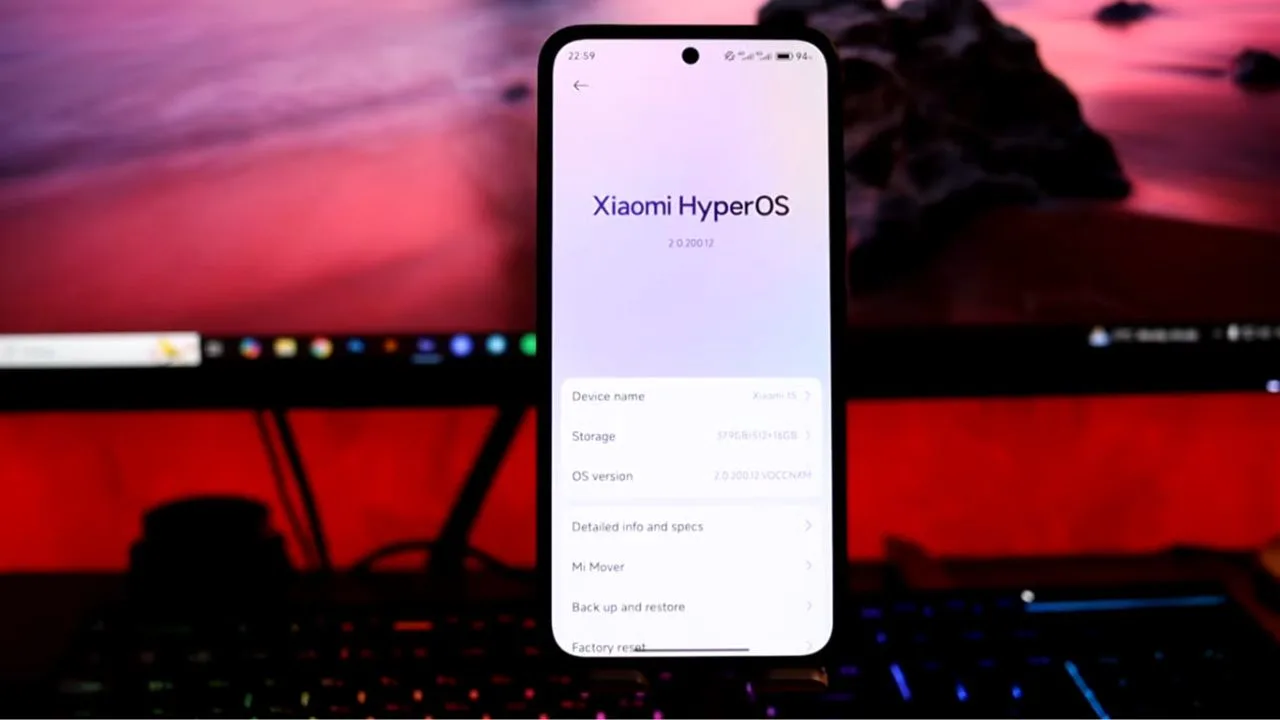
To install the HyperOS June 2025 update:
- Go to Settings > About phone
- Tap on HyperOS version
- Select “Check for updates”
- Download and install the update
For complete patch notes, visit Xiaomi’s official website.
FAQs
1. Which devices will receive this update?
All HyperOS-supported Xiaomi, Redmi and POCO devices will get the update.
2. Is this update mandatory?
Yes, due to critical security fixes, users should update immediately.
3. Will my data be erased?
No, security updates preserve all user data and settings.
4. How large is the update file?
Approximately 300-500MB depending on device model.
5. What if the update fails to install?
Try clearing system cache or contact Xiaomi support.